GuideTools
Checklist Design
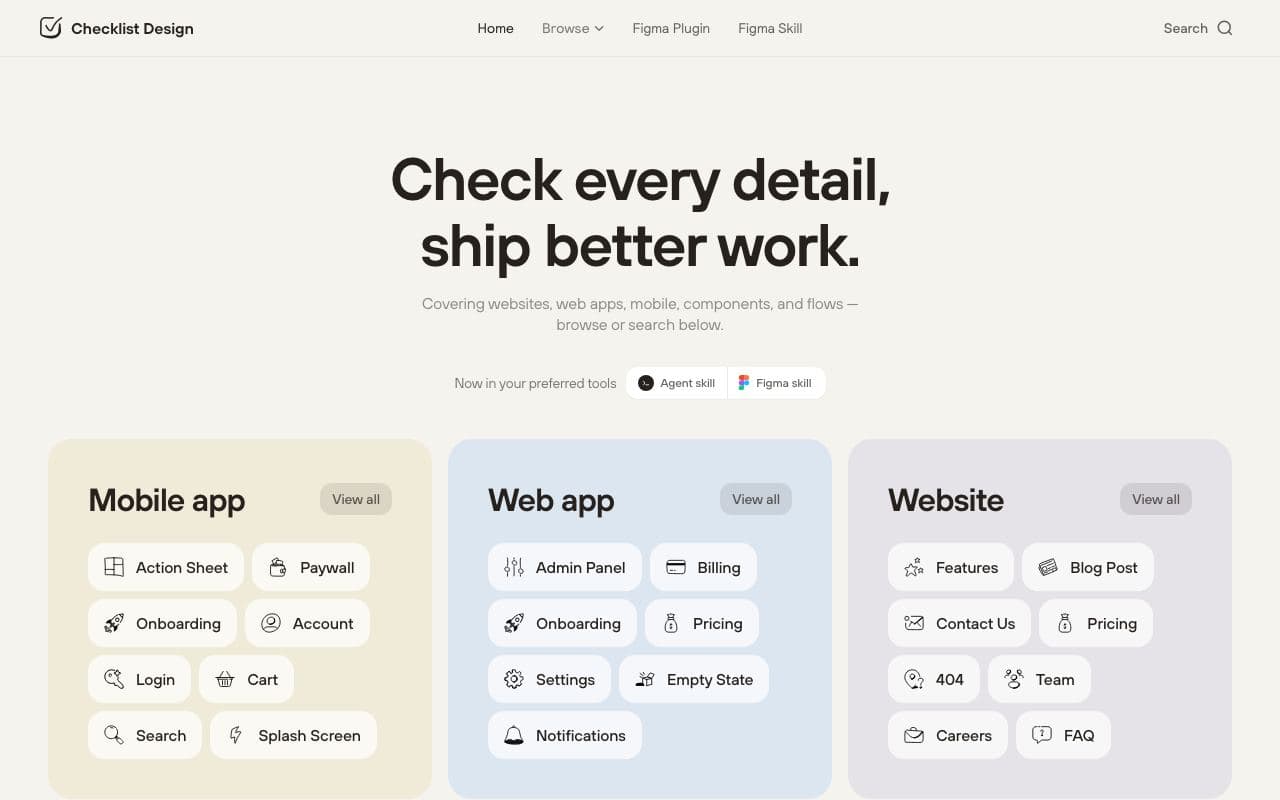
Checklists of what every common screen and component should include.
What it is
Checklist Design provides short, practical checklists for pages (sign-up, pricing, settings, 404) and components (buttons, forms, tables, modals), covering the states and details people forget: loading, empty, error, hover, focus, keyboard.
Why it’s here
Paste a checklist into your prompt and your agent stops forgetting the empty state and the focus ring. Cheap, effective, and a good way to learn what "complete" means.
Best for
- making sure a screen is complete
- prompting for all states
- QA before shipping
Can my agent use this?
Agent good agent friendlinessYes. Copy the relevant checklist into your prompt: "build the settings page and satisfy every item on this list".
Good: Publicly accessible and useful to reference, but the agent will need to interpret it rather than install it.
Access methods
- Public website
- Copy/paste
Related resources
Laws of UX 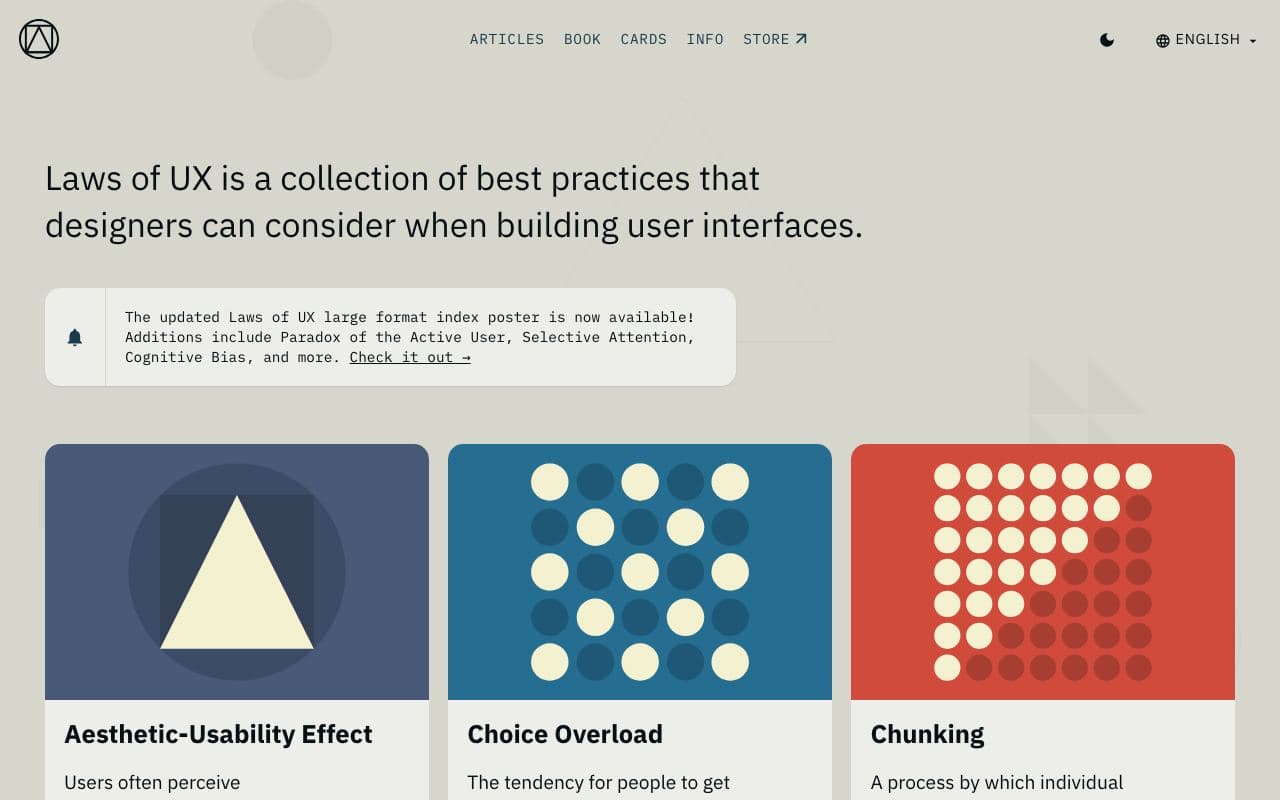
Laws of UX
The psychology principles behind good interfaces, one page each.
good agent friendlinessGuideFreeWeb Interface Guidelines 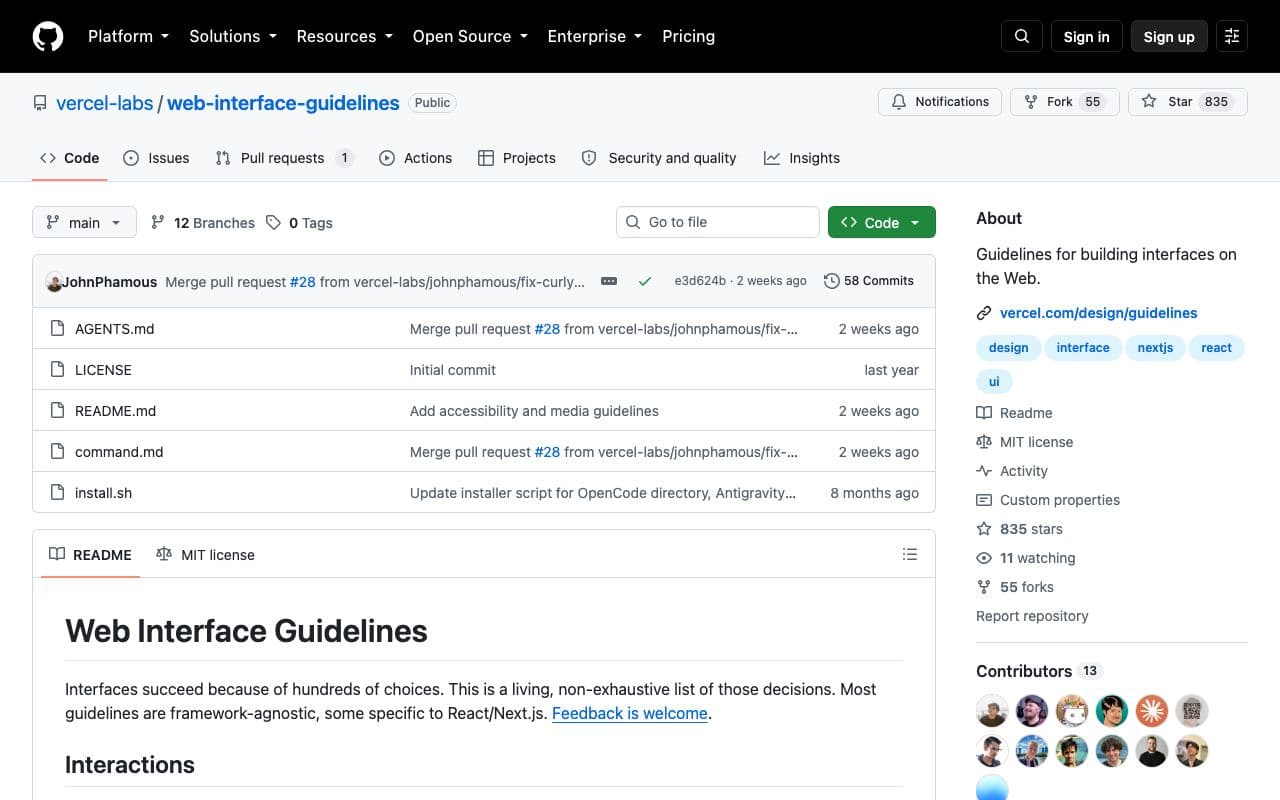
Web Interface Guidelines
A concise, agent-readable checklist of what a well-built web interface must get right.
excellent agent friendlinessGuideFreeOpen sourceStaff pickUsed by meChrome DevTools MCP 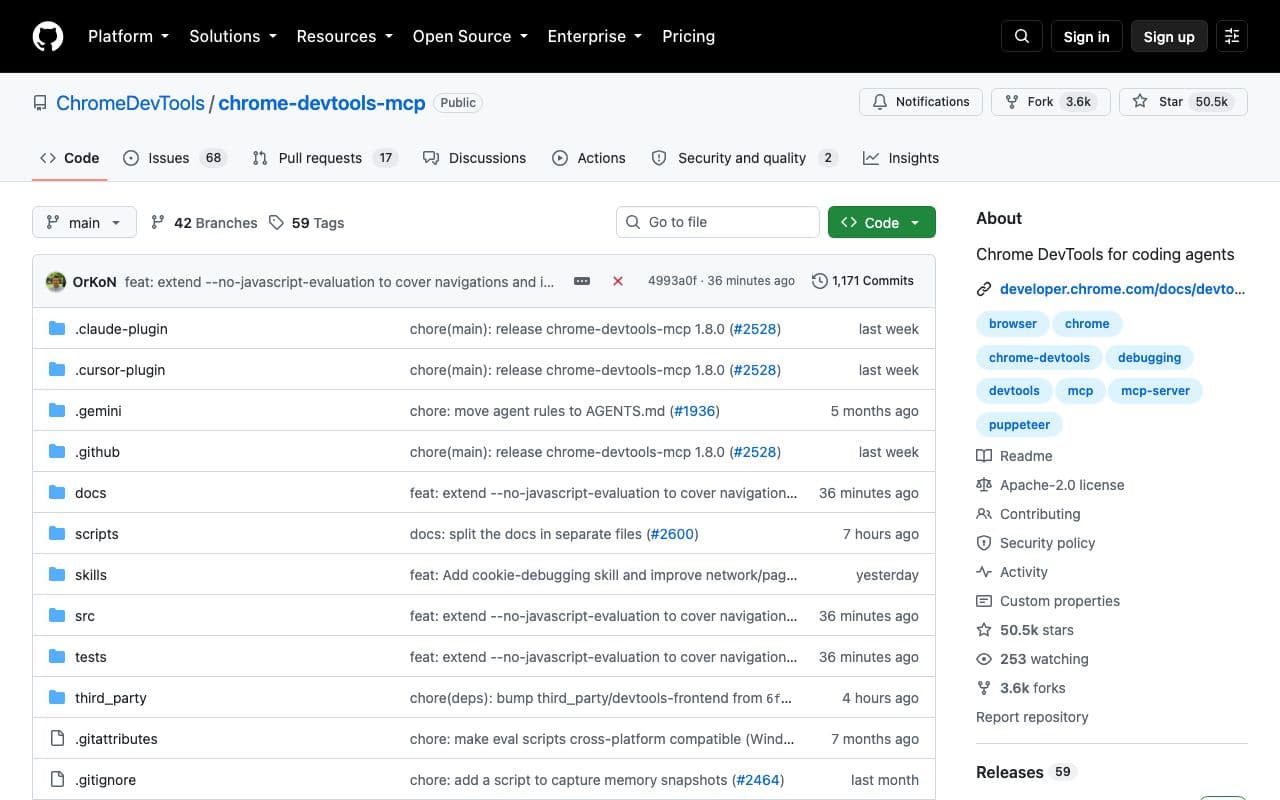
Chrome DevTools MCP
Let your agent inspect, debug and profile a live Chrome tab.
excellent agent friendlinessMCP serverFreeOpen sourceDesignMD 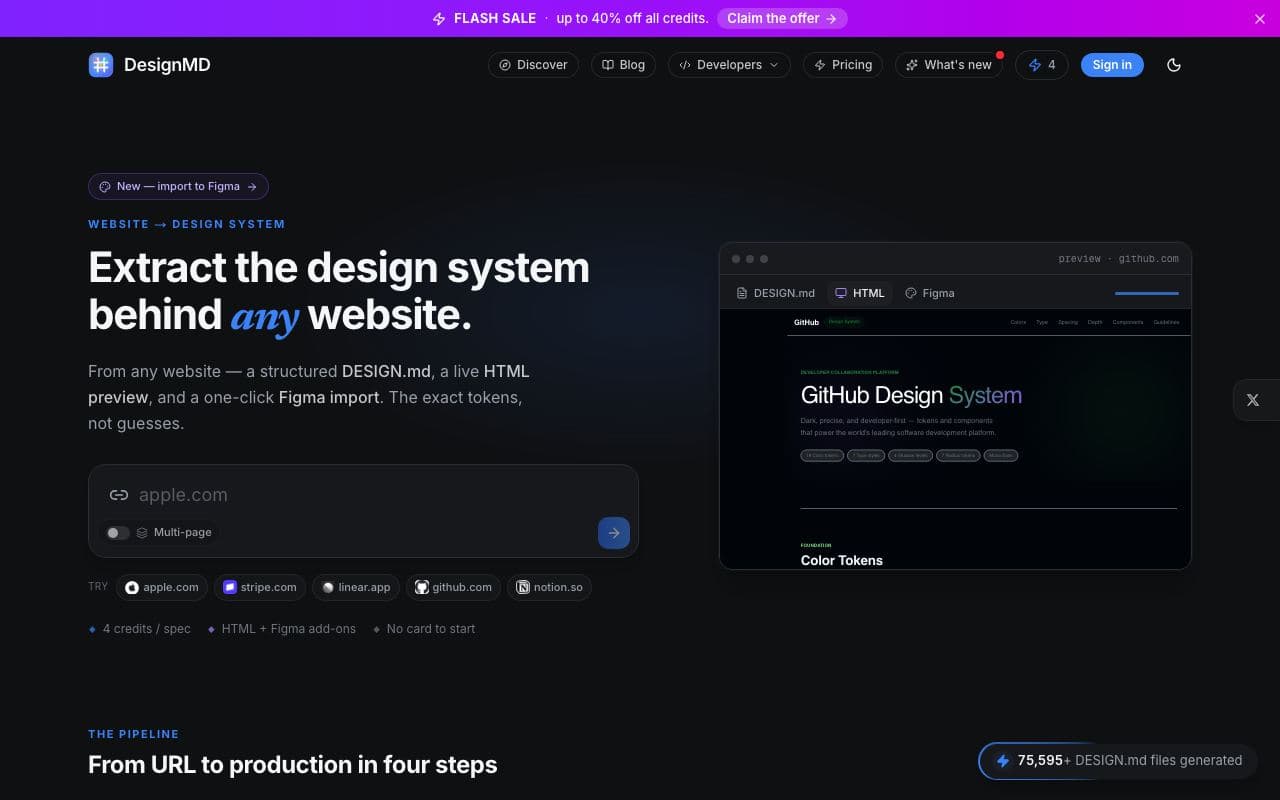
DesignMD
Point it at a URL and it extracts that site's design system as a DESIGN.md.
excellent agent friendlinessTool