ToolTools
Realtime Colors
Preview a palette and font pairing on a realistic page before committing.
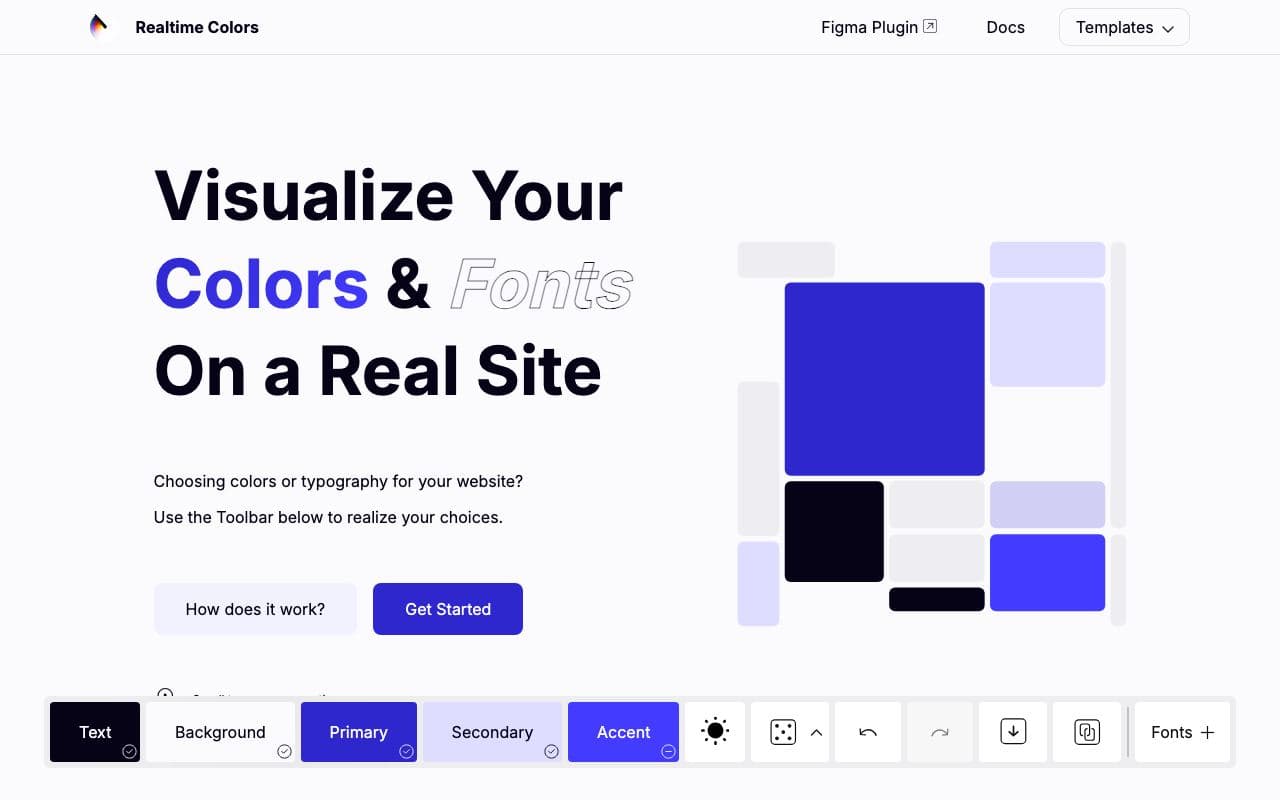
What it is
Realtime Colors shows your background, text, primary, secondary and accent colours applied to a full sample website, with light and dark modes, and lets you swap fonts too. Randomise until something clicks, then export the values.
Why it’s here
Palettes look completely different on a real page than in swatches. This is the fastest way to find out before your agent builds five pages with the wrong accent.
Best for
- choosing a palette
- beginners
- previewing colour and type together
Can my agent use this?
Agent limited agent friendlinessNot directly. Use it to decide, then give your agent the exported hex values and font names.
Limited: Mainly a visual reference. Great for humans and for describing a direction, but there's little an agent can read or install.
Access methods
- Public website
- Copy/paste
Related resources
UI Colors 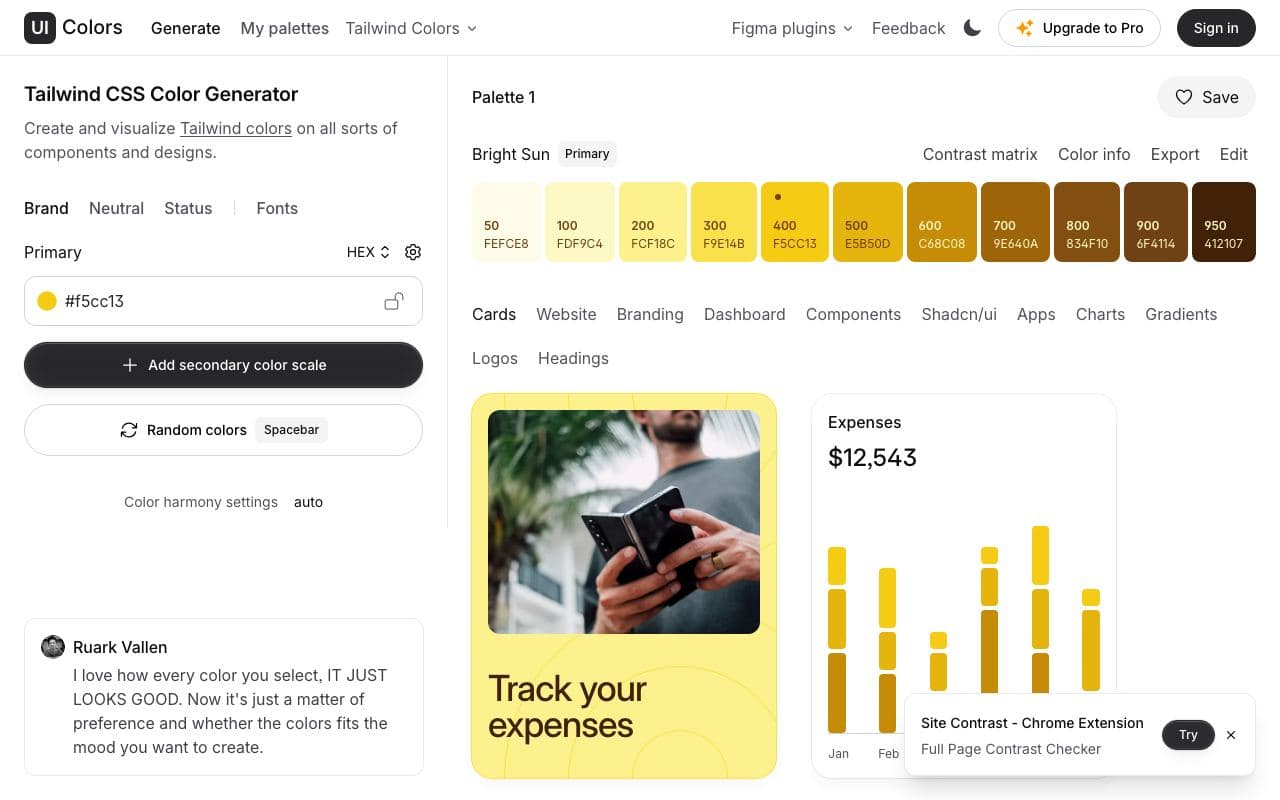
UI Colors
Turn one brand colour into a full Tailwind-style shade scale.
ToolFreegood agent friendlinessHappy Hues 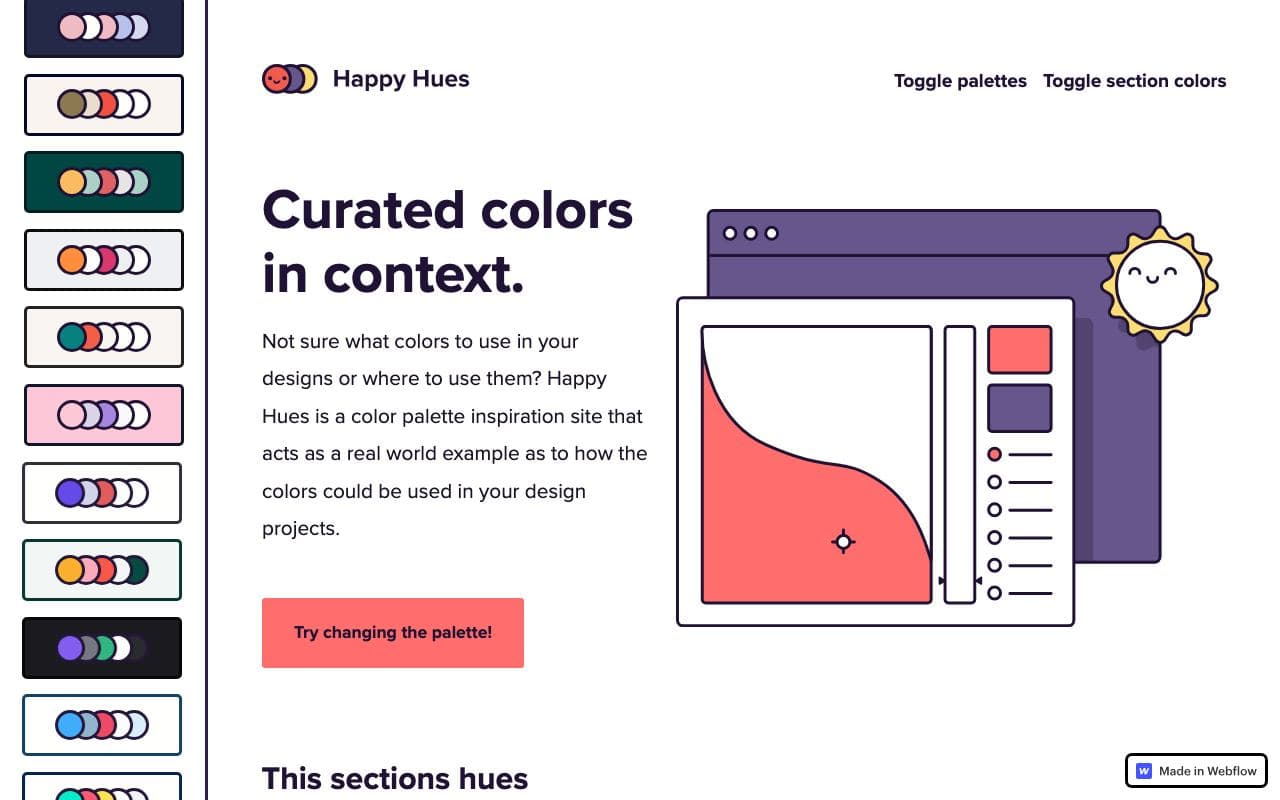
Happy Hues
Curated palettes shown in context, with each colour's job explained.
WebsiteFreelimited agent friendlinessTypewolf 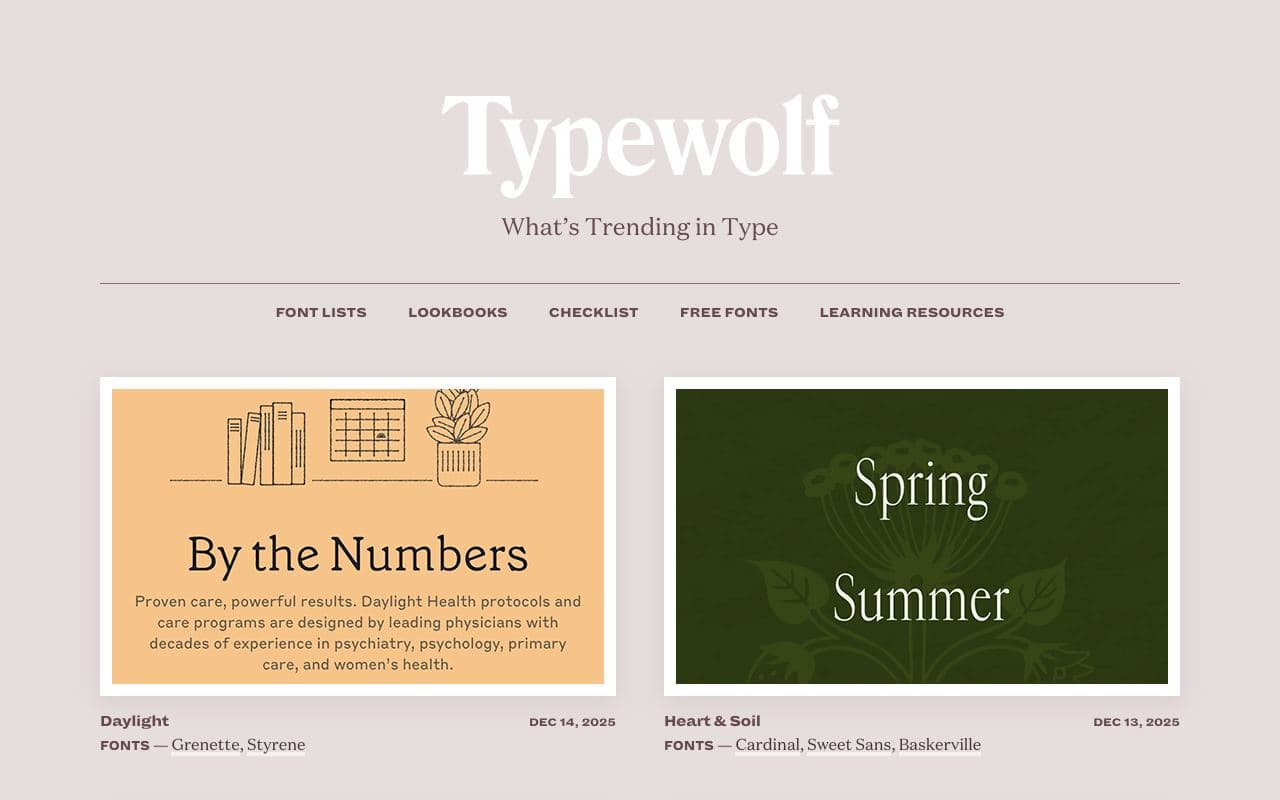
Typewolf
What's trending in type, with real sites showing each font in use.
Websitelimited agent friendlinessStaff pickRadix Colors 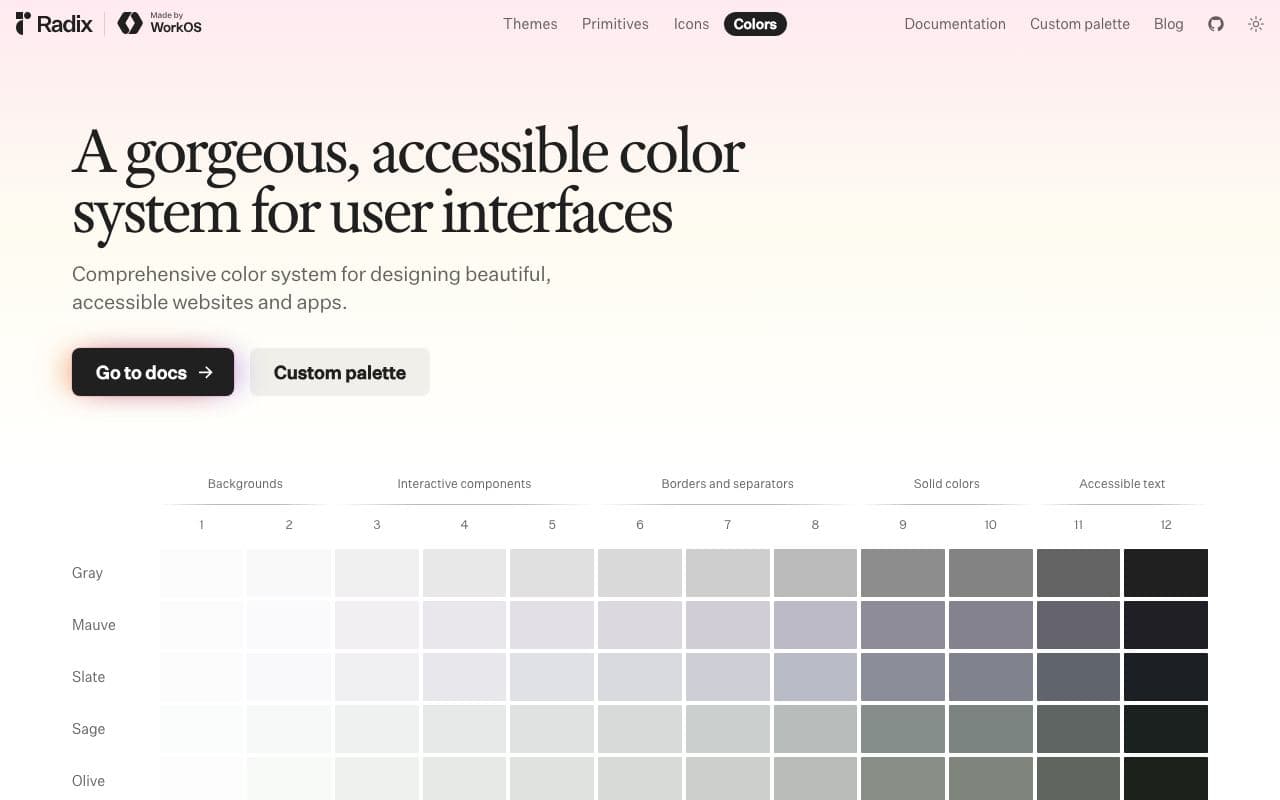
Radix Colors
Colour scales designed for real UI, with light and dark modes that actually match.
Asset libraryFreeOpen sourceexcellent agent friendlinessStaff pick