WebsiteTools, Inspiration
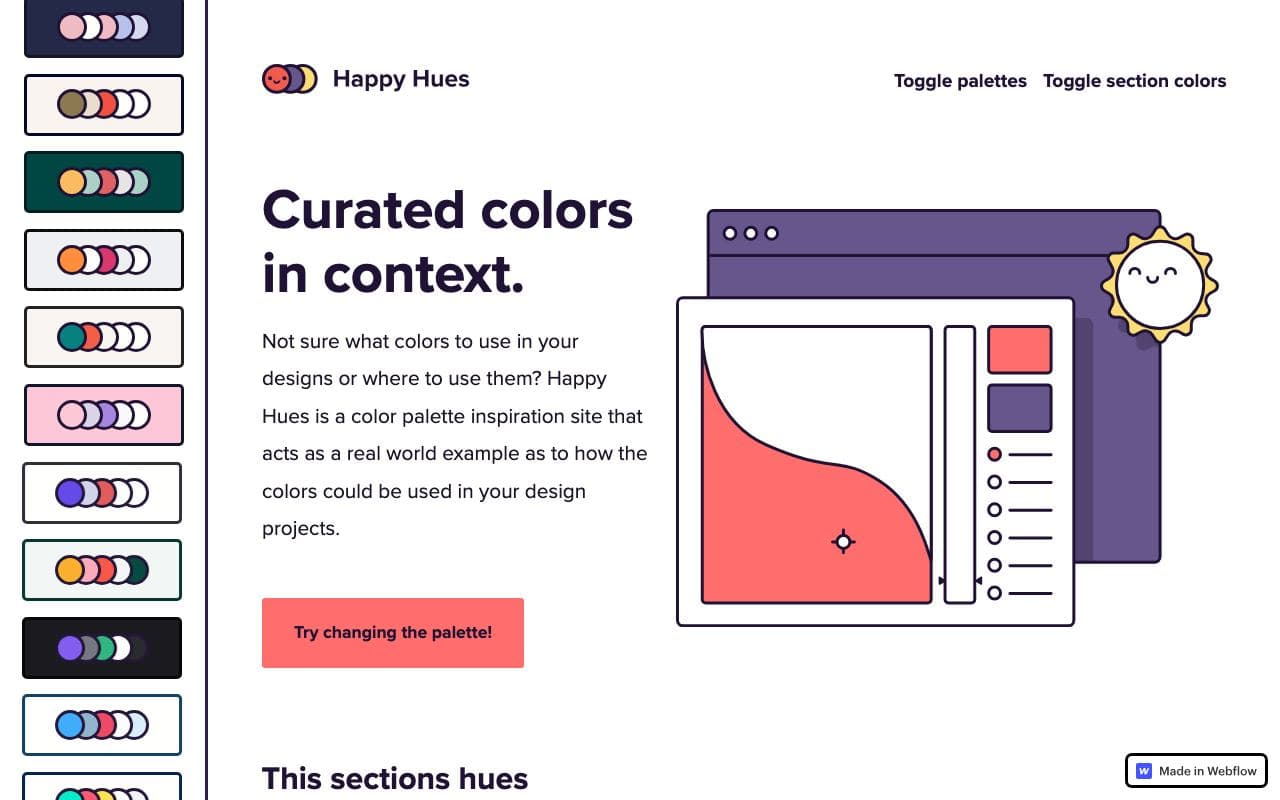
Happy Hues
Curated palettes shown in context, with each colour's job explained.
What it is
Happy Hues by Mackenzie Child presents a set of hand-picked colour palettes, each applied to the site itself so you see it in use, with notes on which colour is for backgrounds, headlines, buttons and highlights.
Why it’s here
The explanations of what each colour is for are the valuable part. It teaches you to think in roles (background, paragraph, button, stroke) rather than just picking pretty colours.
Best for
- beginners choosing colours
- understanding colour roles
- palette inspiration
Can my agent use this?
Agent limited agent friendlinessAs a reference. Copy the hex values and the role of each colour into your prompt: "background #..., headline #..., button #...".
Limited: Mainly a visual reference. Great for humans and for describing a direction, but there's little an agent can read or install.
Access methods
- Public website
Related resources
Realtime Colors 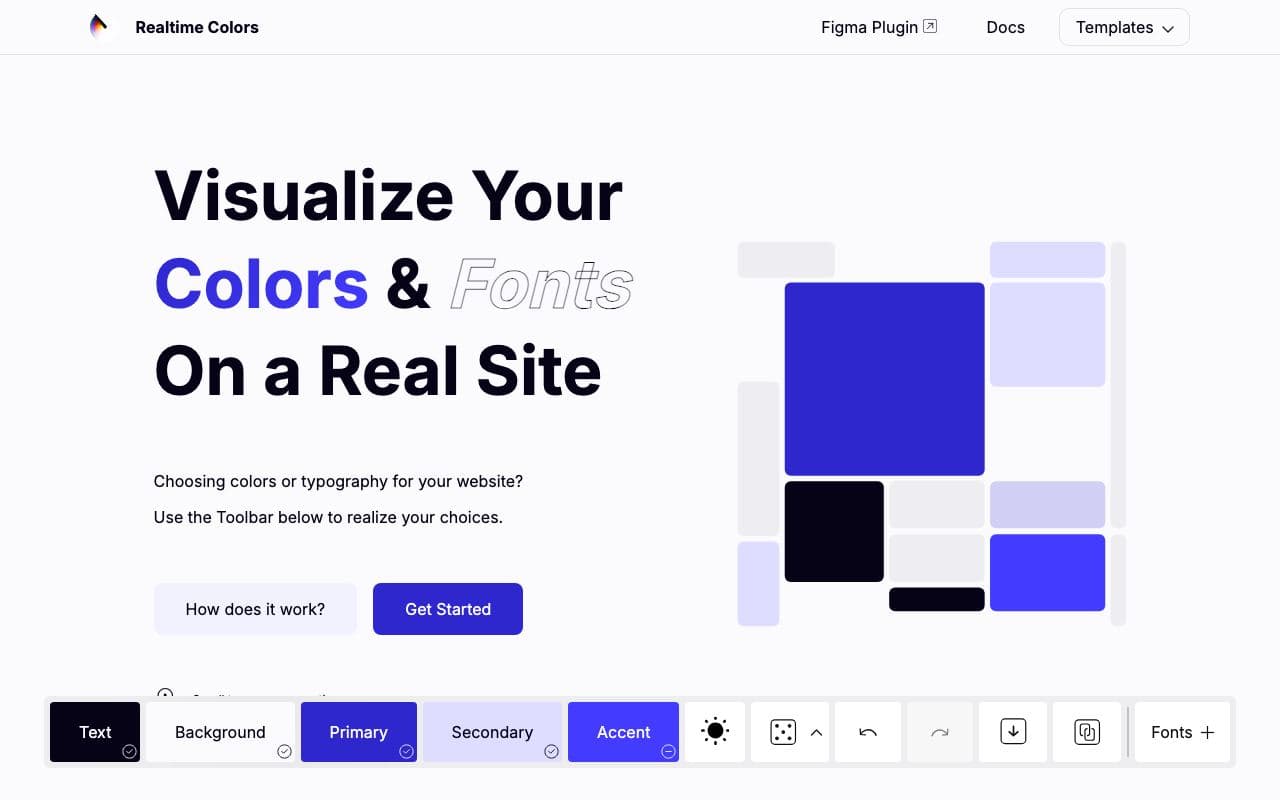
Realtime Colors
Preview a palette and font pairing on a realistic page before committing.
ToolFreelimited agent friendlinessUI Colors 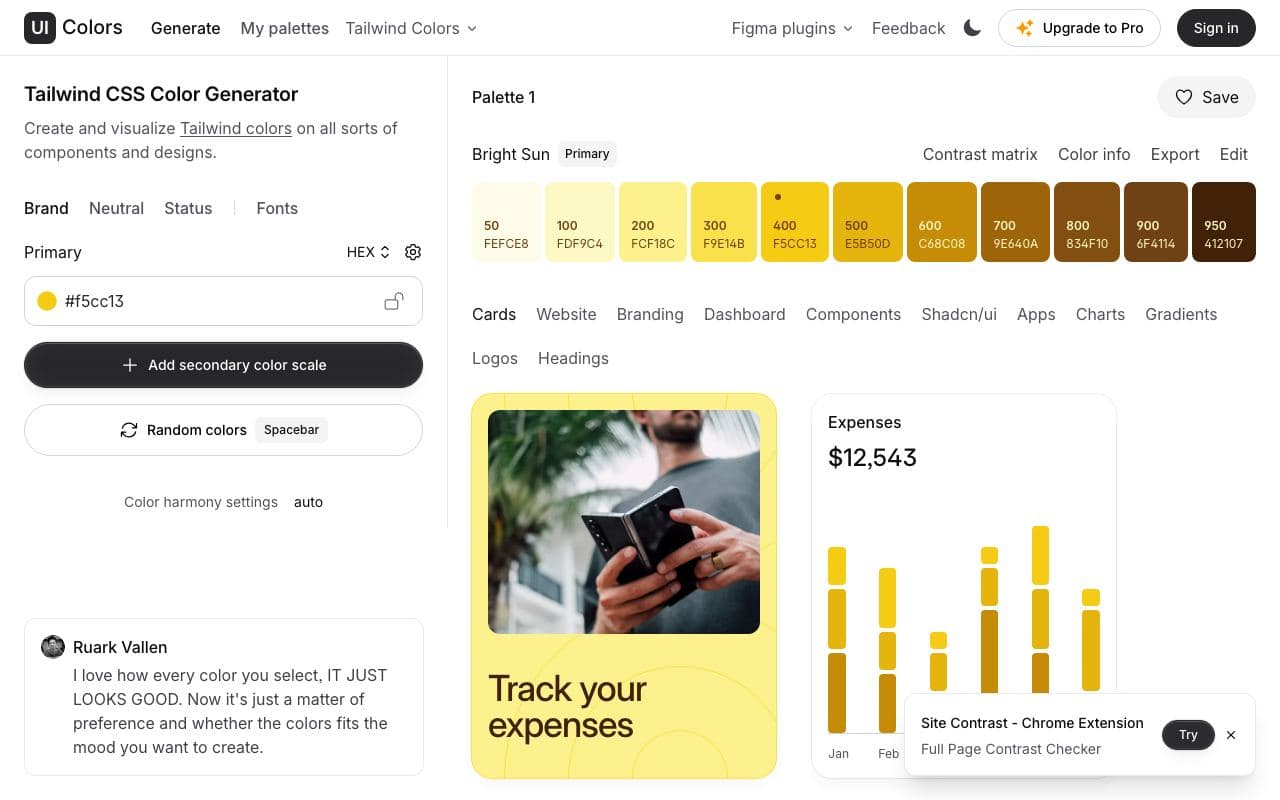
UI Colors
Turn one brand colour into a full Tailwind-style shade scale.
ToolFreegood agent friendlinessRadix Colors 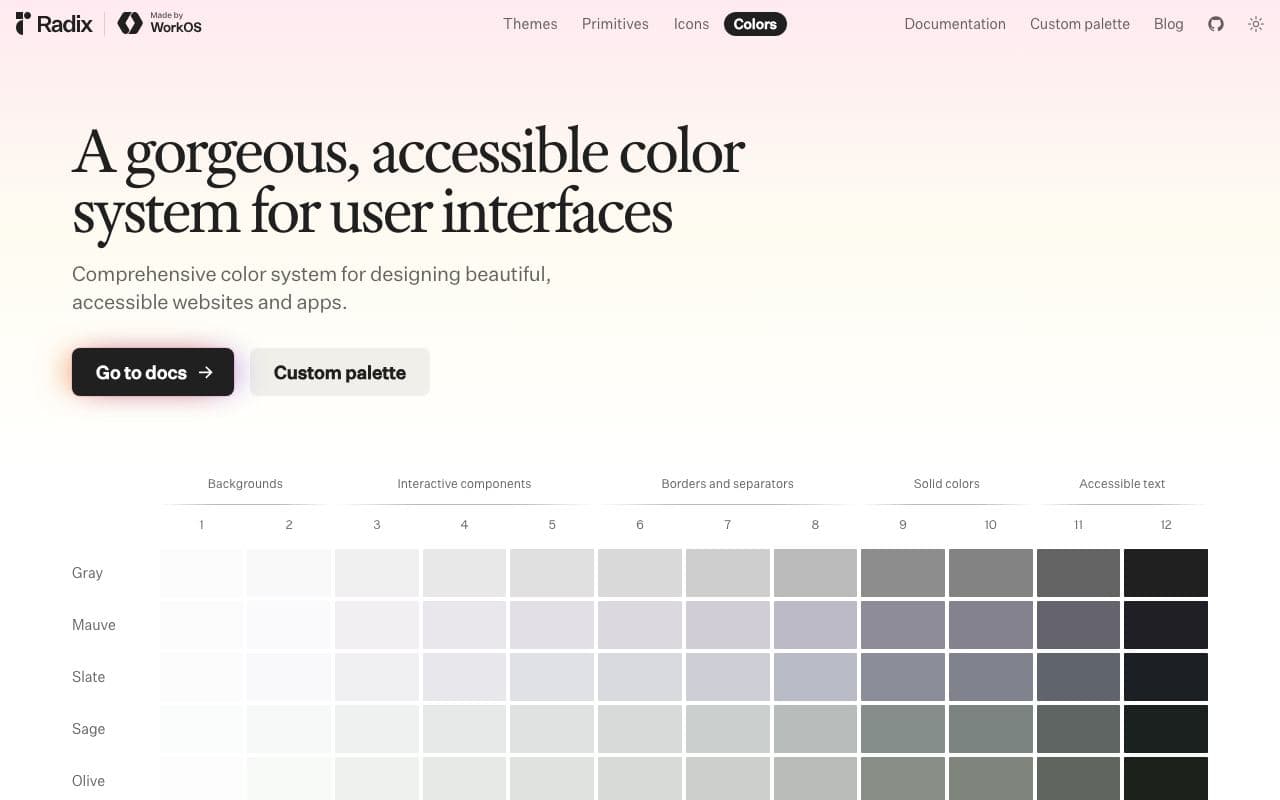
Radix Colors
Colour scales designed for real UI, with light and dark modes that actually match.
Asset libraryFreeOpen sourceexcellent agent friendlinessStaff pickAccessible Palette 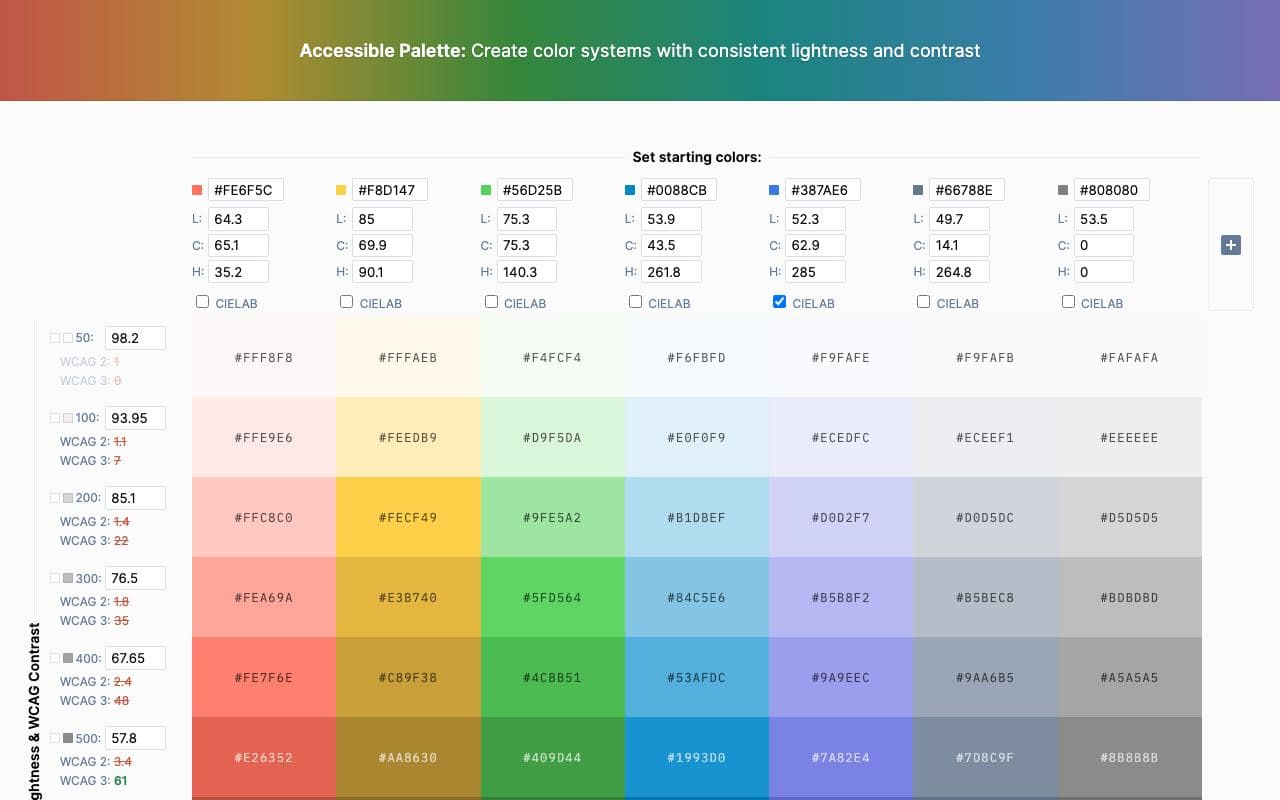
Accessible Palette
Build colour scales where every step has predictable, accessible contrast.
ToolFreegood agent friendliness